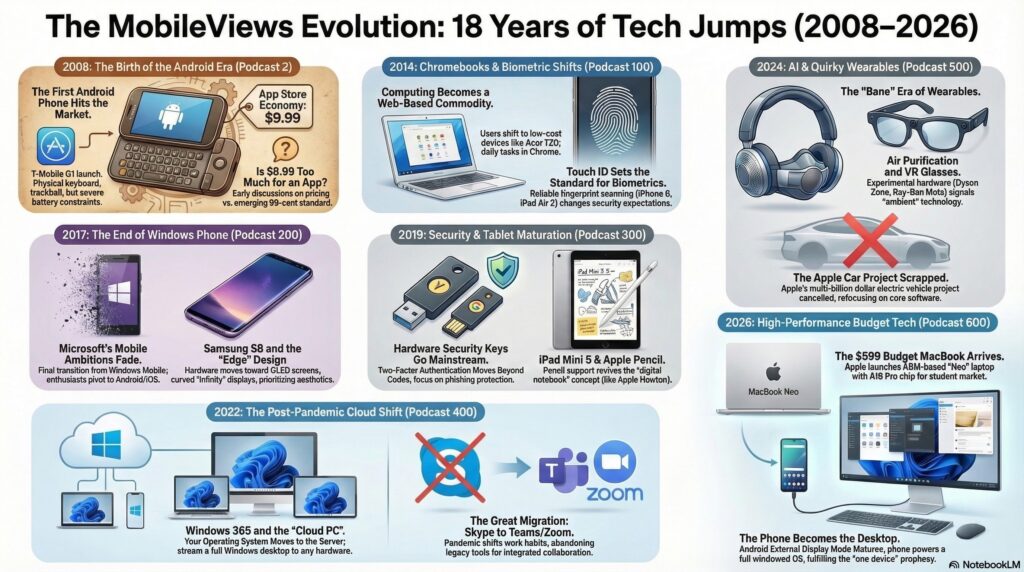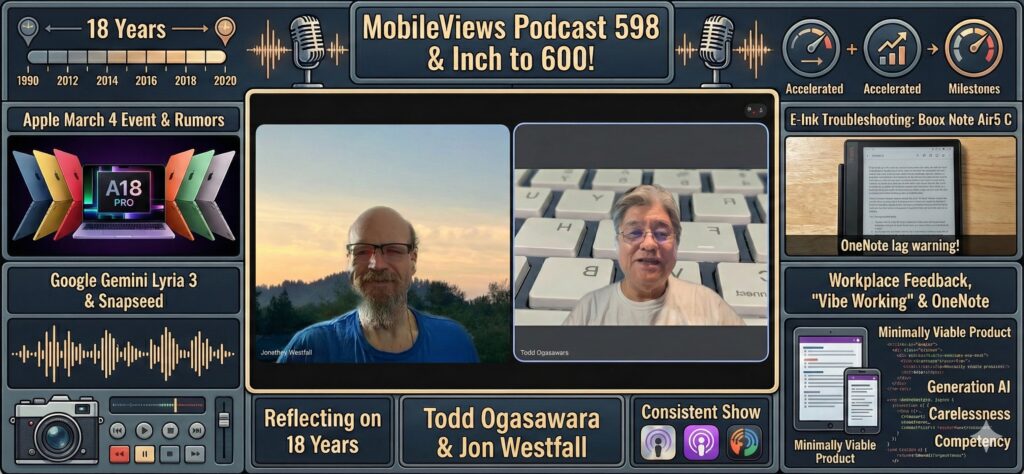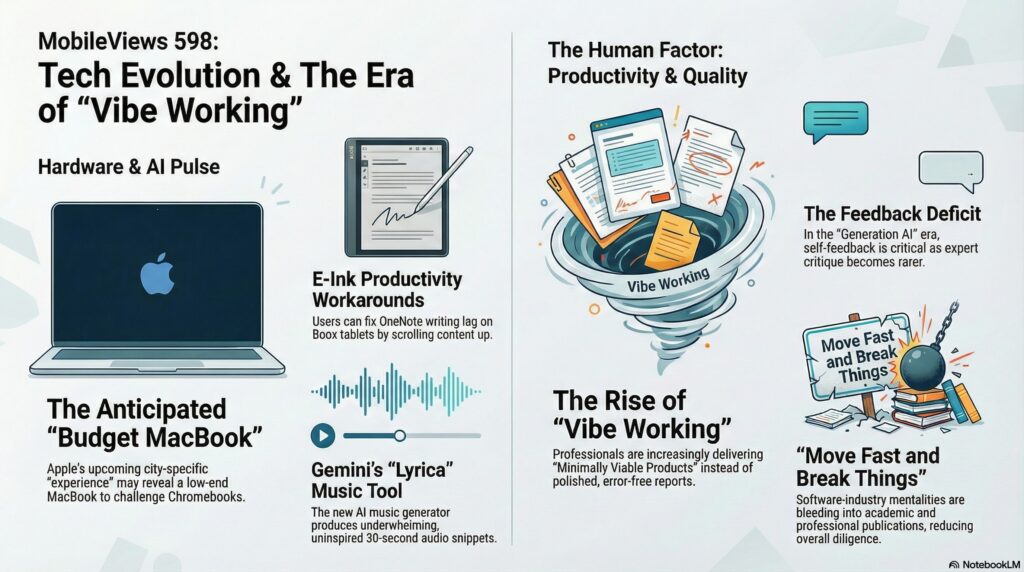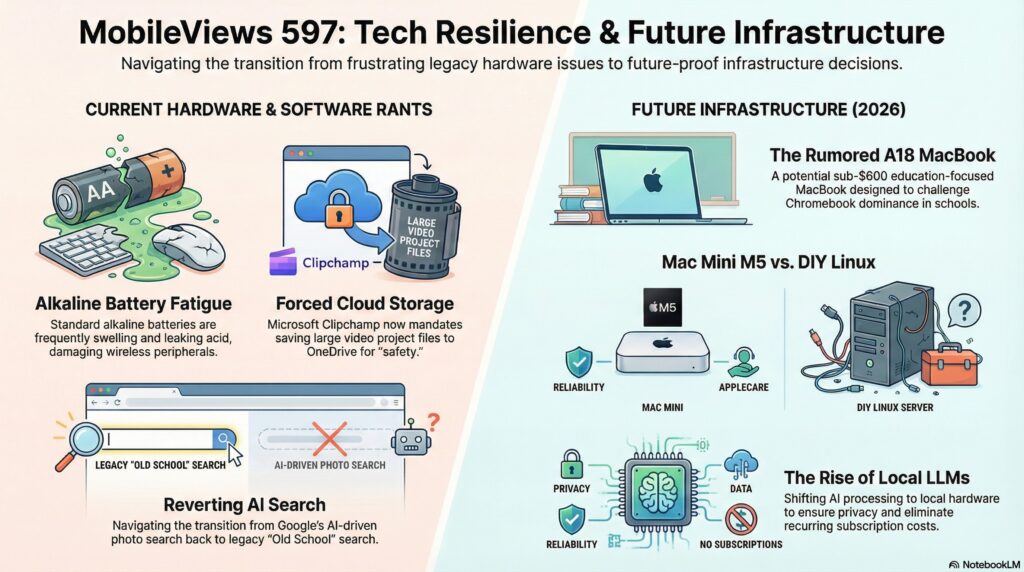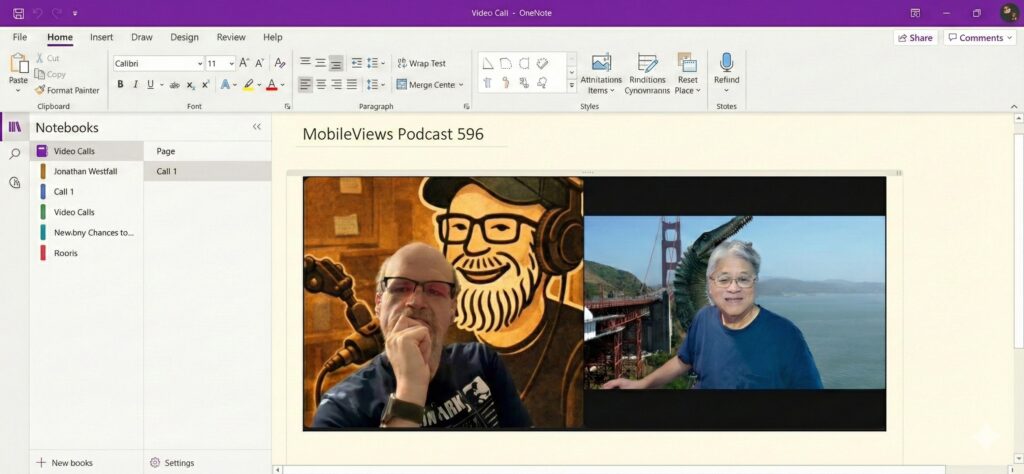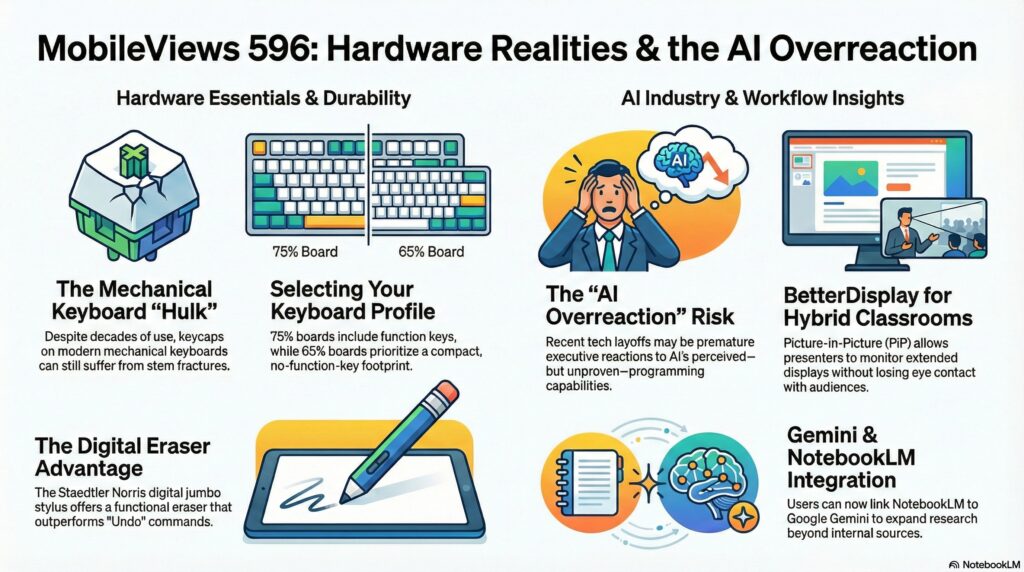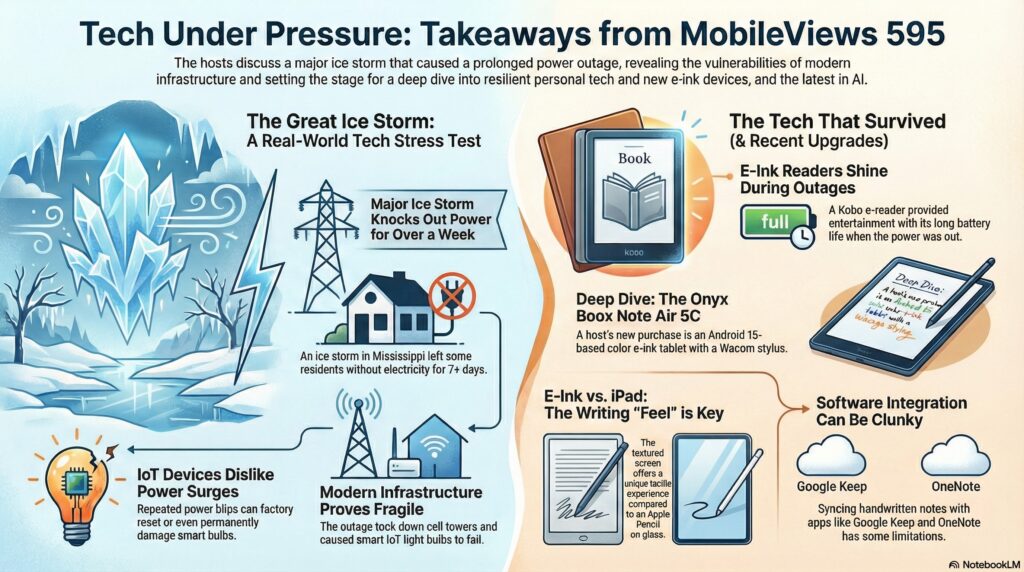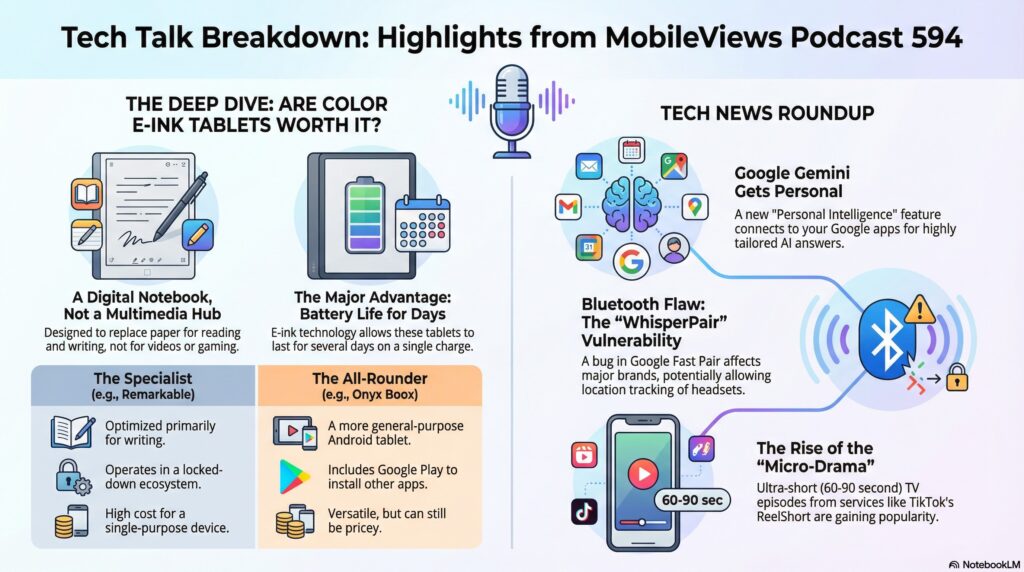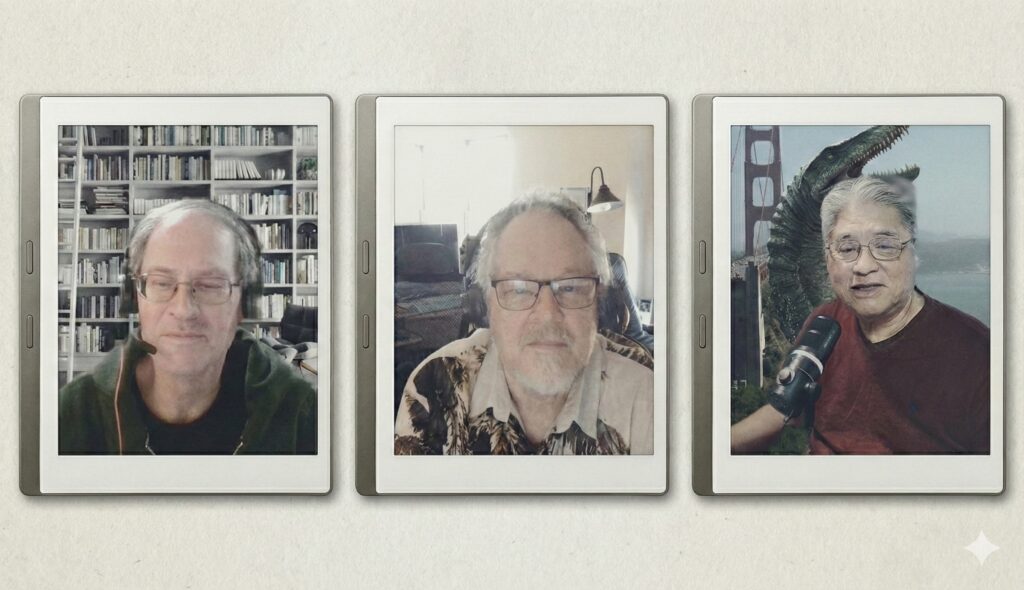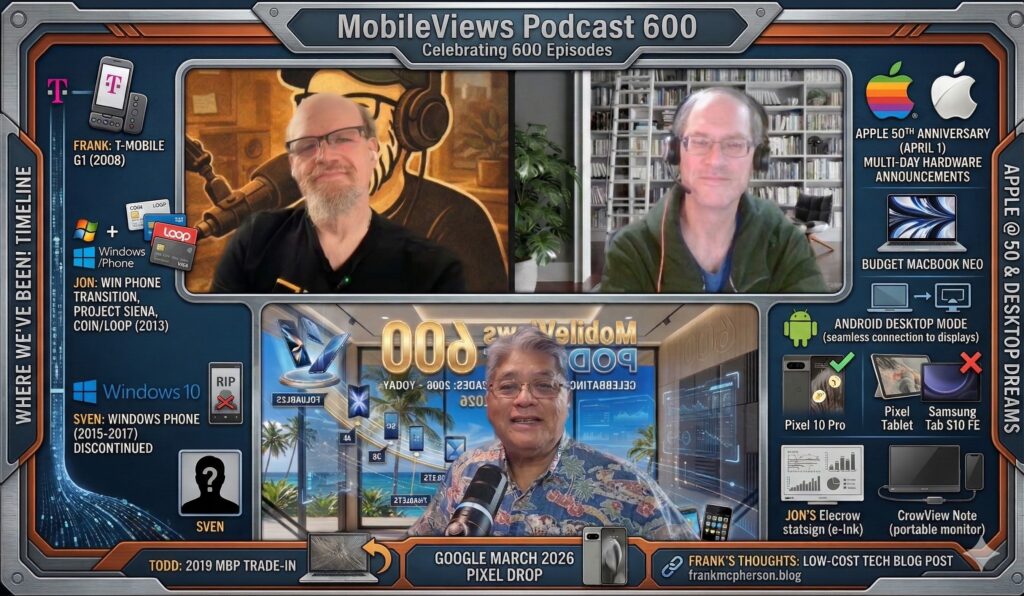
I’m trying something different this week. Instead of the usual text summary of the podcast, I used Google Gemini 3 and Google Nano Banana Pro to create an infographic based on the show notes that Jon Westfall and I used for this podcast.
Jon and I are back after a brief hiatus, and we had a lot to catch up on, starting with our ever-evolving audio gear! I tested out a new budget microphone, the Boya 4-in-1 Magic Wireless Microphone, which I’m using in a shotgun mode on a tripod. Jon is using the same mic in lavalier format. It’s a pretty advanced 4-in-1 mic that even comes with its own charging case and windscreens. I’m glad it’s working out for both of us! Shifting gears, I needed some help rationalizing a recent purchase: the Samsung Galaxy Tab S10 FE. It was a good bundle from Costco, including the S Pen (which uses Wacom EMR technology) and a nice magnetic keyboard case, all for around $500. I was looking for a replacement for my Pixel tablet, which Google is apparently not going to continue developing. I like that the S10 FE is IP68 water and dustproof, has a micro SD slot (I added a 256GB card for 384GB total storage!), and supports both Face ID and fingerprint login. I’m even learning how to use Samsung’s additional windowing system on top of the standard Android UI.
We discussed the rumor of a budget MacBook (codenamed J700) possibly coming out in 2026 with the iPhone’s A18 Pro processor. I think it would be fantastic in the $499 range, especially for schools and people new to desktop operating systems. We also touched on the mind-blowing news that an AI-written song hit number one on the Billboard country music chart. I remember being wowed by the first all-CGI movie, The Last Starfighter, back in the ’80s, and it feels like AI music is on a similar path to becoming normal. Jon then walked me through a cool, old trick for Google Sheets: using the Google Visualization API with a SQL query embedded in a URL to fetch specific data, which he uses for his weekly jokes. Finally, Jon demoed Open Broadcast Studio (OBS), which is a free, versatile tool for broadcasting and recording, offering commercial-level features for mixing audio and video sources.
In this week’s episode, Jon Westfall and I kicked things off by discussing “falling back” for Daylight Saving Time and reminiscing about dealing with dark mornings. We then moved on to some podcast milestones. I realized that MobileViews is about to turn 18, with the first episode dating back to November 26, 2008 . We also noted that Jon’s 12th anniversary on the show is coming up in December. This got us talking about the early days of podcasting. I recalled listening to pioneers like Adam Curry (the “Podfather”) and Adam Christiansen (“The Mac Cast”) , and how I was amazed they could produce so much content solo . We contrasted that with today’s landscape, which seems dominated by celebrity-hosted shows, and I made sure to thank Jon, as I’m certain the podcast would have ended years ago without him.
On this week’s podcast, my co-host Jon Westfall and our buddy Sven Johannsen joined me. We started by discussing the recent trend of journaling apps, including the new Microsoft Journal , which Jon thinks looks like a stripped-down version of OneNote. Jon mentioned he still uses the dedicated Day One app but wished that “on this day” features came with trigger warnings. I also talked about my experience testing OpenAI’s new ChatGPT Atlas Browser ; while it’s fast , Jon was annoyed because it requires you to set it as the default browser to get extended limits. We also covered the new Samsung Galaxy XR headset , which, like the Vision Pro , is still far too expensive for me at around $1,800.
While Apple’s new M5 products were announced, none of us are planning an upgrade. I noted that I’m still interested in the rumored future MacBook Pro if it includes a touch screen – something Sven thinks is unnecessary. We also shared our experience with the new Microsoft Copilot Groups ; we used it to prepare for the show, but when we returned the next day, our entire chat history had vanished. Sven showed off a very versatile and affordable MoFT Dynamic Folio for his iPad , and Jon detailed his recent home automation upgrades, including a new LNDU smart lock that offers six different ways to unlock , such as an offline, time-based one-time-passcode feature. Finally, Jon about a dancing pickle that Sven saw at Hallmark, does actually sing “I’m sexy and I know it”.
Jon Westfall and I are joined by frequent guest panelist Sven Johannsen for podcast 581. First, we dove into our mini-series on remembering Windows mobile operating systems, with Sven defending his favorite: Windows Phone. He loved its unique tiled UI and the superb Nokia Lumia 1020 hardware, especially its 41-megapixel camera (amazing for a phone released in 2013) and its colorful design. Jon and I, however, preferred the earlier Windows Mobile due to its broader app selection and the sheer variety of manufacturer devices and various models with physical keyboards. Speaking of hardware, I mentioned Amazon’s recent event where they announced new Echos and Kindles—including a color Kindle Scribe—but no new Fire HD tablets, which I’m still waiting for as an affordable Android alternative. I also shared my short-lived experience with the new Google app for Windows, which I uninstalled immediately after it tried to download my entire Google Drive to search locally.
Jon also shared his recent, non-flashy but impactful tech purchase: an upgrade to a Ubiquiti Dream Router 7 with a U6 extender. He noted how much better his home network is now that it supports his 60-70 IoT devices, and he encouraged listeners to consider upgrading their own aging router equipment for better performance, Wi-Fi 6/7 support, and improved features like easier network isolation. We wrapped up with a brief discussion of the handy, feature-rich, and affordable nature of some of the low-end Windows Phones, like the $40 model available at Walmart, which offered a camera, FM radio, and GPS with free offline maps thanks to Nokia’s Here We Go navigation system.
In MobileViews Podcast 580, Jon Westfall and I discussed a bunch of new tech, starting with the Raspberry Pi 500+. I’m excited about this new keyboard computer because, unlike its predecessor, it features a mechanical keyboard and, most importantly, an NVMe SSD slot for faster performance, moving beyond the slow SD card. I still haven’t figured out what I’d actually do with one, but the specs are impressive! I also shared my experience with the Amazon Alexa Plus early access, noting that my older Echo Dot and Echo Flex were surprisingly supported, though the new female default voice has some annoying vocal fry. I’m also looking forward to Google’s experimental Google app for Windows, hoping it delivers the AI PC experience that Microsoft’s Surface Pro 11 hasn’t quite fulfilled. Finally, I touched on the rumor of Google merging Chrome OS and Android, a move that I hope combines the best of both platforms, especially for tablets.
Jon Westfall brought up the topic of the things that have sparked “tech joy” for him over the past year. He is particularly excited about the continuing evolution of AR/VR glasses, mentioning Meta’s new glasses and the potential for an Apple Vision “amateur.” He sees these as a fantastic way to facilitate human communication, especially for those of us who struggle to remember names and details. Jon is also very enthusiastic about the Large Language Models (LLMs), specifically their use as a “junior assistant” for tasks like drafting his promotion portfolio at work and serving as a quick “junior developer” for software prototypes. This is a great way to handle tedious work! I seconded the excitement around AI by mentioning the fun I’ve had with Google AI Pro’s photo and video tools on my Pixel 10 Pro. We then wrapped up with a mini-rant about a poorly designed Bluetooth scale and some interesting reading recommendations, including a LinkedIn article by Ed Margulies about fear of change when trying to be a change agent in the enterprise and another about Roblox and the skins market in modern gaming.