Category: podcast

  • MobileView 571: No EVs for Hawaii? RapidRAW image editor; NotebookLM; iPadOS 26 beta; Oura Ring


    For MobileViews Podcast 571, I’m joined by guest co-hosts Sven Johannsen and Don Sorcinelli. We discuss:

    Matson, Hawaii’s largest ocean cargo carrier, has ceased accepting electric vehicles (EVs) and plug-in hybrid vehicles for transport to and from the islands due to mounting safety concerns over lithium-ion battery fires at sea, a move expected to severely impact Hawaii’s car market. In a brighter tech development, RapidRAW, a new open-source RAW image editor, was introduced as a high-performance, lightweight alternative to Adobe Lightroom®, impressively developed by an 18-year-old with Google’s Gemini AI models and boasting GPU-accelerated processing and AI masking. Meanwhile, Google’s NotebookLM, an AI-powered personalized research assistant, was praised as a “game-changer for productivity” due to its source-grounded nature that minimizes “hallucinations”; it proves valuable for streamlining tasks, managing finances, and facilitating passive learning via “Audio Overviews” generated from user-fed sources. Its enhanced NotebookLM Plus offers higher limits and a 50% student discount, complemented by new curated “featured notebooks” on expert topics like Shakespeare. Beyond specific applications, broader shifts in operating systems include Google’s potential merger of Chrome OS and Android into a unified platform, and advancements in tablet interfaces like Apple’s iPadOS 26 developer beta with its touch-first windowing capabilities, alongside the anticipated Android desktop mode (similar to Samsung’s Dex) for lightweight travel setups, though consistent user concerns about effective file management across these diverse platforms persist. Finally, the Oura Ring was highlighted as a screen-less fitness tracker alternative, capable of monitoring parameters like pulse and oxygen, and suitable for restricted environments due to its lack of Wi-Fi/cellular/microphones/cameras.

    Available via Apple iTunes.
    MobileViews YouTube Podcasts channel
    MobileViews Podcast on Audible.com
  • MobileViews 570: Live by the iOT, die by the iOT


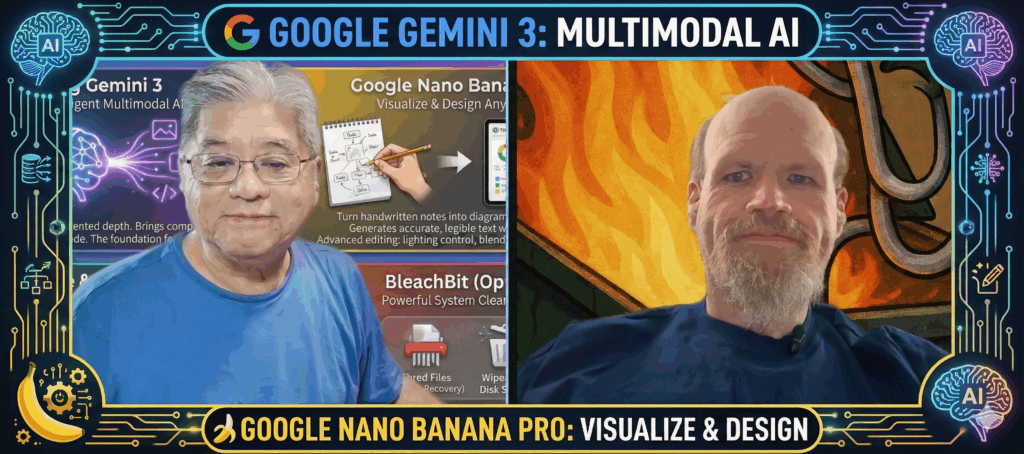
    The “MobileViews 570” podcast, featuring Todd Ogasawara and Dr. Jon Westfall on July 13th, 2025, tackles a crucial theme: “Die by the IoT”. This isn’t just a catchy title; it’s a deep dive into the frustrating reality of smart devices becoming obsolete due to company decisions. Jon Westfall shared his dismay over Belkin’s WeMo smart home devices, including a light switch he uses, losing support on January 31st, 2026, less than three years after some models were last sold. He suspects a recent sale he took advantage of was due to its impending discontinuation. This echoes his prior experience with iHome ISP5 smart plugs, whose service was discontinued years ago, though they luckily retained functionality via Apple HomeKit compatibility. Todd resonated with this, recalling a sub-$50 purple NAS-like device that became inaccessible when its cloud service was unexpectedly shut down. Both hosts strongly agreed with the sentiment of an Ars Technica article, “Belkin shows tech firms getting too comfortable with bricking customers stuff,” expressing their frustration with the dependency on cloud-based services and the expectation that products should last more than two or two and a half years. They also noted that even major players like Microsoft (Azure IoT) and Google (Cloud IoT) have been closing their IoT services for developers, leaving developers in a tough spot. A potential solution, as suggested by John, could be for companies to release the code for discontinued devices to the “geeky IoT community” for ongoing support.

    Beyond the looming threat of device obsolescence, Todd and Jon explored the evolving landscape of AI and exciting new gadgets. Todd discussed Perplexity’s Comet AI browser, noting its current requirement for a $200/month Perplexity subscription for full access, though a waitlist for a free version exists. They lamented the challenge of discerning the utility of various AI services like Copilot, Gemini, and ChatGPT due to their constantly changing and inconsistent features. Todd primarily uses Google’s Gemini, which he recently leveraged to find a “way fun” method to import a photo of his line drawing into Procreate for digital coloring underneath the lines. Jon, on a more creative note, is co-authoring a musical titled “Happy Apocalypse” with AI. He also highlighted the practical application of AI, using his Plaud Note Pin (or transcribing Teams recordings via Plaud) to summarize dissertation student meetings, proving highly useful for both himself and the student’s progress reports.

    The podcast also delved into some compelling new hardware. Jon enthusiastically shared his experience with the Kobo Libra Color e-reader, which boasts a color E Ink display, a stylus (sold separately), and native connectivity to Google Drive and Dropbox, offering a flexible, non-Amazon alternative to his old Kindle Oasis. He particularly praised the stylus’s paper-like feel on the E Ink display, with low latency, making it ideal for note-taking, marking up, and highlighting. Meanwhile, Todd acquired a low-cost Arturia MiniLab 3 MIDI controller, a USB-C powered device with drum pads, sliders, knobs, and velocity-sensitive keys, which works well with GarageBand. Jon also recently picked up the Wand Company Star Trek Original Series Tricorder, noting its high quality, functional disks, and voice recorder. Other brief mentions included Todd’s anticipation for iPad OS 26’s public beta, his past experiences with the Microsoft Spot Watch, Jon’s inexplicable phone time zone glitch, Todd’s interest in an E Ink touchpad concept for computer keyboards, and his fondness for the now-removed MacBook Pro Touch Bar. The episode wrapped up with the hosts looking forward to future tech discussions and adventures.

    Available via Apple iTunes.
    MobileViews YouTube Podcasts channel
    MobileViews Podcast on Audible.com
  • MobileViews 568: Everything is AI Now: – Slop, Speech, & Subscriptions


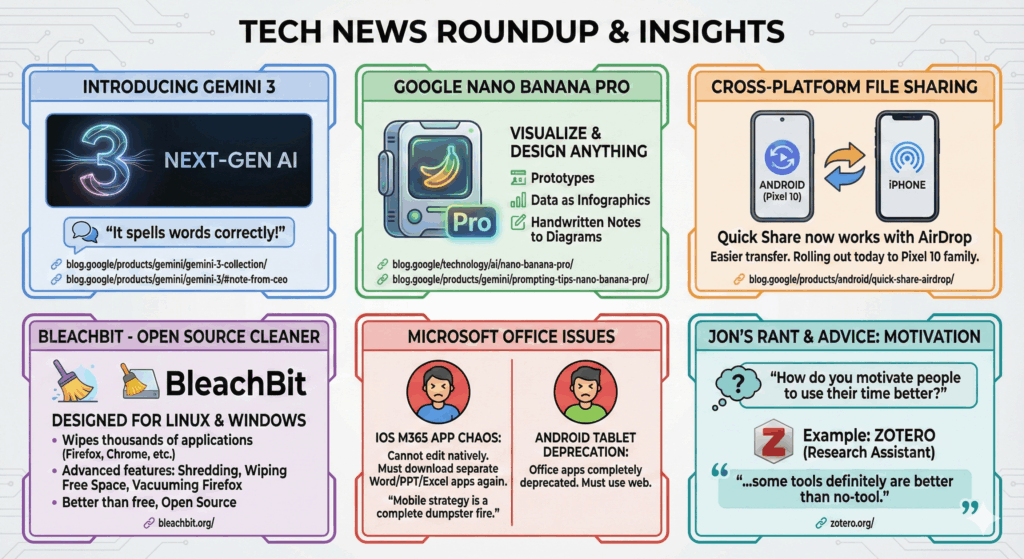
    In this podcast, Jon Westfall and I discuss:

    Available via Apple iTunes.
    MobileViews YouTube Podcasts channel
    MobileViews Podcast on Audible.com
  • MobileViews 565: Pre-WWDC; Windows to Linux; OpenAI Codex in ChatGPT


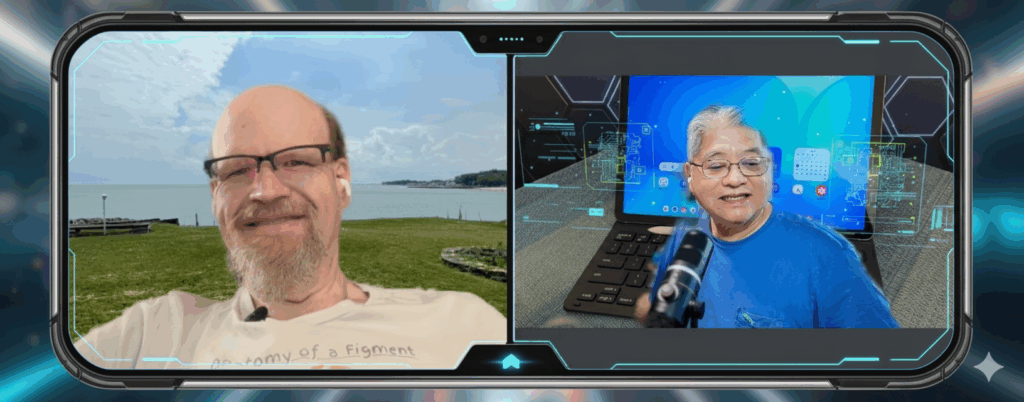
    • Todd Ogasawara shared his struggles with his 2019 HP Envy 360 laptop, which cannot update from Windows 10 due to an unsupported AMD Ryzen processor for Windows 11, and Google FlexOS has also deprecated support for it.
    • He has returned to using Linux, noting that while Linux Mint didn’t work with his Bluetooth mouse, Ubuntu did.
    • Apple Find My is now usable in South Korea as of June 1st, 2025, contrary to previous assumptions about privacy laws.
    • Rumors suggest AirPods Pro 2 and AirPods 4 may gain camera control, sleep detection, and new head gestures for answering calls and dismissing notifications.
    • Jon Westfall observed that many students wear AirPods constantly, even when not actively listening to content.
    • There’s speculation about iPadOS 26 potentially including a menu bar, and both speakers expressed hope for improvements to Stage Manager.
    • OpenAI’s Codex, now available on the plus platform, was discussed for its AI coding capabilities, with Jon sharing an experience of it detecting an “inconsistency” in his code that was an intentional change.
    • The speakers humorously compared the AI’s “helpful” persistence to a “code therapist”.
    • They also joked about AI’s increasing presence and a “Mechanical Turk” scenario where seemingly AI-powered services are actually human-driven.
    • The upcoming WWDC event was mentioned, with anticipation for new features and hardware support announcements.

    Available via Apple iTunes.
    MobileViews YouTube Podcasts channel
    MobileViews Podcast on Audible.com
  • MobileViews 564: Jon’s experience with AI in higher education


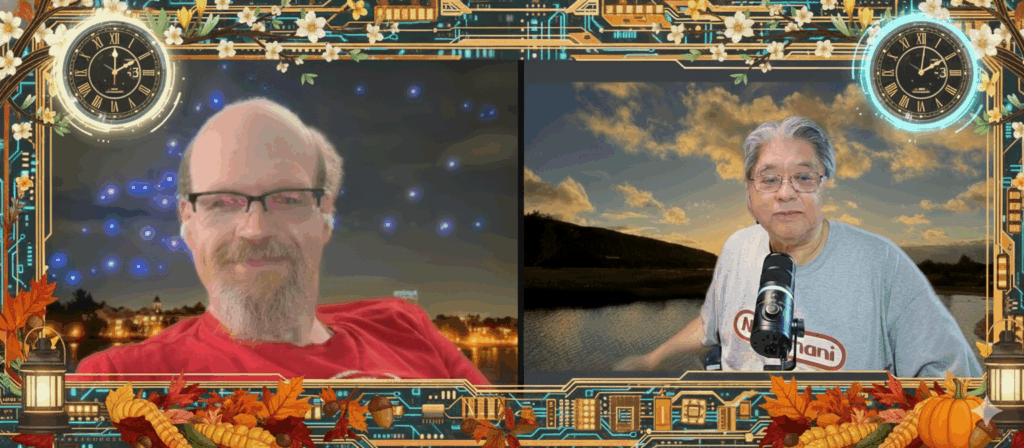
    In this podcast, Jon Westfall and I discussed:

    A significant portion of our conversation centered on the continuing proliferation of AI in consumer products. We noted an increasing sense of “AI fatigue”—the saturation of artificial intelligence in nearly every product and announcement. Although I am personally intrigued by developments in AI-generated video and imaging, especially from Google and Meta, I also find the AI trend overwhelming at times. I am even considering subscribing to Google One’s AI Premium offering to further explore these capabilities, particularly for personal creative projects.

    We also speculated on potential announcements from Apple’s upcoming WWDC, especially regarding artificial intelligence and whether Apple will finally deliver tangible AI features, following a less-than-smooth rollout of “Apple Intelligence.” I expressed hope for hardware updates, such as a refreshed Apple Watch Ultra or a more affordable version of the Vision Pro headset—rumored to be called the Vision Air.

    I noted that I recently began revisiting older episodes of this podcast, some dating back to 2008. I’ve started re-editing and publishing select episodes as audiograms. One of these featured an interview with the developers of Google Earth for iPhone, recorded in early 2009—just six months after the App Store’s debut. It was particularly meaningful to hear the voice of my late friend Mike Morton, one of the app’s original developers.

    We also touched on some of my ongoing technology experiments. I’ve been attempting to repurpose a 2019 AMD laptop that no longer supports Windows 11. My initial plan to install ChromeOS Flex was thwarted by hardware incompatibility, so I’ve shifted my attention to Linux Mint. Although I encountered issues related to UEFI preventing boot from a USB drive, I plan to revisit this project soon

    Jon offered a compelling perspective on the evolving role of AI in higher education. He discussed how he and other faculty are adapting to student use of AI tools such as ChatGPT, emphasizing the importance of transparency, responsible use, and pedagogical innovation. Jon’s work in this area demonstrates a balanced, practical approach that integrates emerging technology while preserving academic integrity.

    We concluded the episode with a broader reflection on the societal implications of AI, particularly the concern that up to 50% of entry-level jobs may be impacted in the coming years. As someone no longer in the workforce, I observe these shifts with a mix of concern and curiosity, especially regarding how younger generations will navigate such disruptions. We acknowledged the historical cycles of technological change—from calculators and word processors to broadband and mobile computing—and how each brought both fear and opportunity.

    Available via Apple iTunes.
    MobileViews YouTube Podcasts channel
    MobileViews Podcast on Audible.com
  • MobileViews retro-podcast Jan. 23, 2009 discussion with the original Google Earth for iOS developers

    This podcast was recorded way back on Jan. 23, 2009 (16 years ago) with the original Google Earth for iPhone developer team: my old friend (the late) Mike Morton, David Oster, and (product manager) Peter Burch along with Google spokesperson Aaron Stein. Although the iPhone was launched on June 29, 2007, the iPhone app store was not launched a year later on July 10, 2008. So, iPhone apps had only been available for 6 months when we recorded this podcast. I’m taking advantage of the relatively new Adobe Podcast (V2) audio enhancement and audiogram creation features to re-post this podcast as, I think, one of some historical interest. I also used Google Gemini to write a summary of the podcast as well as a more detailed bullet point discussion list for the blog on MobileViews.com.

    SUMMARY
    In this podcast recorded on Jan. 23, 2009, , the developers of Google Earth for iPhone discussed the creation and features of the mobile application. The team, including iPhone engineers Mike Morton and David Oster, shared insights into the development process. With extensive Macintosh experience, they found the iPhone SDK surprisingly similar to OS X programming, which provided a significant advantage. A long-held dream for the Google Earth team was to enable users to “hold the earth in your hand,” a vision only recently made possible by technological advancements.

    The developers addressed the challenge of optimizing Google Earth for the iPhone’s smaller screen and less powerful CPU. They emphasized streamlining the application by “trimming out some of the fat” accumulated in the desktop version and leveraging years of OpenGL tuning. A key focus was on creating a user-friendly interface that prioritized data display over decorative elements, influenced by Edward Tufte’s principles. The touch interface of the iPhone presented a unique opportunity to create a more intuitive way of interacting with the Earth, leading to the development of custom gesture analysis. Looking ahead, the team plans to continue developing Google Earth for iPhone, adding new features that cater to both existing desktop functionalities and mobile-specific contexts.

    DETAILED DISCUSSION SUMMARY

    • The Google Earth for iPhone development team included Mike Morton and David Oster (iPhone engineers), Peter Burch (product manager for Google Earth), and Aaron Stein (spokesman for Google).
    • Mike Morton and David Oster, who worked on Google Earth for iPhone, have about 25 years of Macintosh experience and have been on the iPhone since programming was opened up in summer 2018.
    • The iPhone SDK was surprisingly similar to programming OS X on a Mac, which was a “leg up” for experienced Mac developers.
    • Development tools for iPhone are based on GCC, allowing the use of C and C++ in addition to Objective-C.
    • Porting Google Earth to the iPhone was a long-standing dream of the Google Earth team, predating the iPhone’s introduction.
    • Technology barriers had previously prevented the realization of holding “the earth in your hand”.
    • Google Earth, originally Keyhole Earth Viewer, has been running as an application since around 2001, providing the team with experience in high-performance graphics applications on lower-powered hardware.
    • The Google Earth for iPhone was a “project project” and not a “20% time project”.
    • Achieving quick response times on the iPhone’s relatively weaker CPU involved significant performance tuning and “trimming out some of the fat” from the desktop version.
    • The fast performance also benefited from about ten years of OpenGL tuning on the desktop version of Google Earth.
    • Development challenges included adapting to the smaller screen size and deciding which features to include or exclude.
    • The team aimed to make the interface simple and uncluttered, with a focus on displaying data rather than decorative elements, influenced by Edward Tufte’s work.
    • Key features added included Wikipedia articles and panoramas of photos, making the product about exploring user content, not just satellite imagery.
    • The iPhone’s touch interface provided a better way of interacting with the earth than the desktop version.
    • The developers had to create their own gesture analyzer because Apple’s SDK provides raw finger position data rather than pre-defined gestures.
    • Unexpected uses of Google Earth for iPhone include its adoption by the scientific community for visualizing weather.
    • Users can provide feedback and ask questions through a help center group, with a link provided in the iTunes description for Google Earth.
    • Google plans future updates for Google Earth for iPhone, adding new features and building on the current version, with a focus on mobile-specific functionalities.