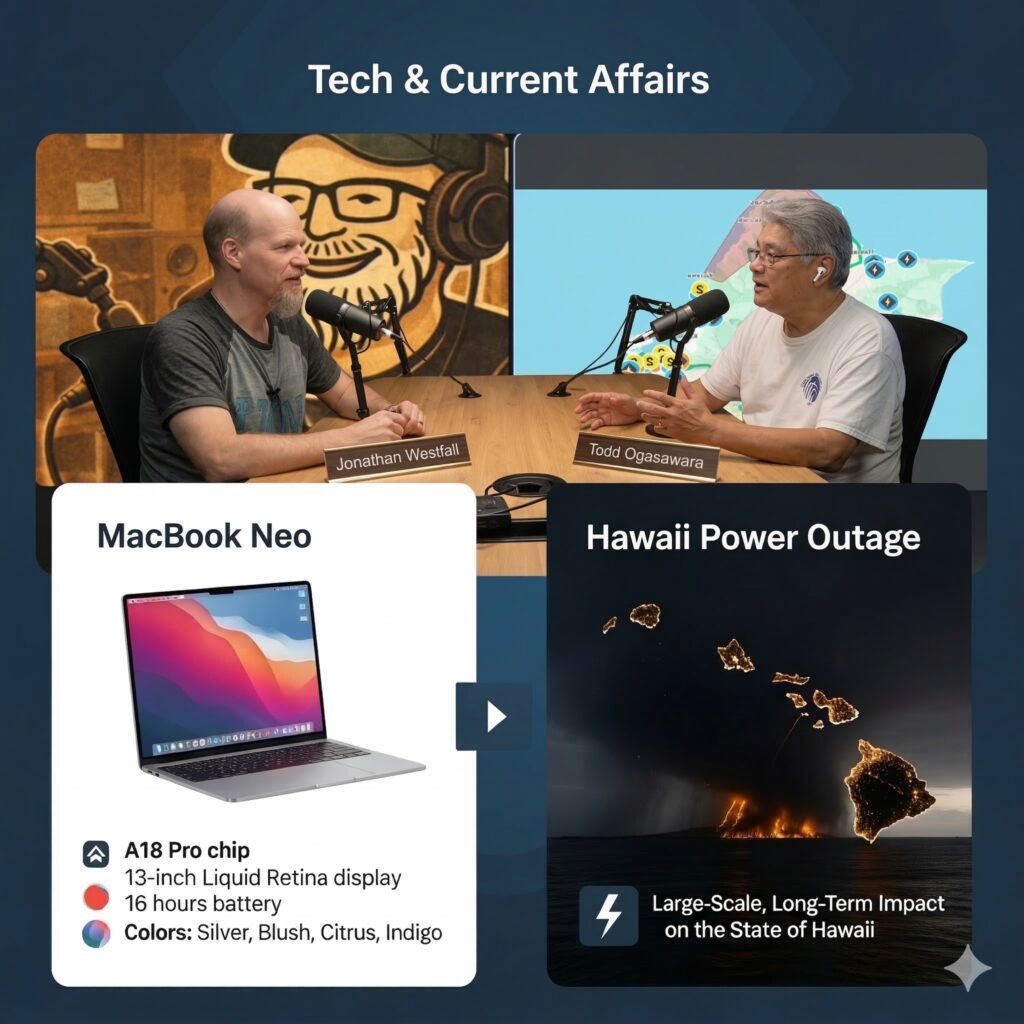
In this episode, Todd Ogasawara and Dr. Jon Westfall dive into weathering long power outages, hands-on impressions of new tech hardware, and the magic of modern software development workflows.
Surviving the Hawaii Storms and Tech Infrastructure Failures
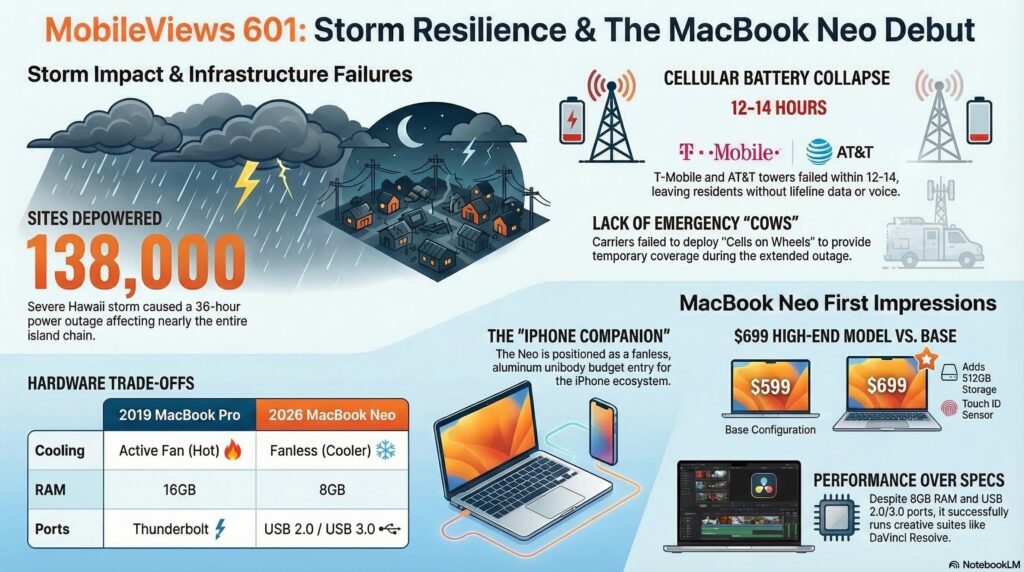
Todd shared his experience dealing with a severe storm system that swept through Hawaii, knocking out power for roughly 138,000 customers. The 36-hour outage put local infrastructure to the test.
- The Good: Hawaiian Electric (HECO) deserves credit for vastly improved communication during the crisis, providing necessary updates.
- The Bad: The cell phone providers struggled. T-Mobile (and consequently Google Fi) went down within 10 to 14 hours, and AT&T followed shortly after. This highlights an ongoing issue with insufficient battery backups at cell sites.
- The Workaround: To keep lifeline devices running, Todd relied on multi-function devices with large batteries built into devices like portable fans and tire inflators.
Drone Regulations and Video Editing Hacks
Thanks to some expert advice from previous guest Sven Johansson regarding weight limits and non-commercial trust certificates, Jon is flying his new DJI Neo 2 legally. A standout feature for travelers is that the Neo 2’s three-battery charging station can act as a reverse charger for other devices.
On the production side:
- Apple Creative Suite: Jon noted that educators and students can get the Apple Creative Suite (including Final Cut Pro and Logic) for just $30 a year. He used Final Cut to successfully reduce background noise on drone footage.
- Adobe Podcasts: Todd discussed Adobe Podcasts’ new video recording feature. It records individual video and audio tracks locally for each participant, allowing for much easier syncing and enhancement compared to traditional methods.
Hands-On with the MacBook Neo
Todd provided his initial thoughts on his new Apple MacBook Neo. He opted for the $699 model in Indigo, which includes a 512GB SSD and a fingerprint sensor. Note: All aspects of this podcast including recording, editing, and publishing was performed using the MacBook Neo.
- The “iPhone Companion”: Reminiscent of the old Windows CE “PC companion” devices, the MacBook Neo serves as an excellent companion to the iPhone for those integrated into the Apple ecosystem.
- Hardware Impressions: Despite a lack of a fan, the aluminum unibody device runs incredibly cool under everyday loads, contrasting sharply with older Intel-based Macs. It also features a solid keyboard and a highly responsive fingerprint reader.
- The Verdict: It successfully replaces both an aging Chromebook and a 2019 Intel MacBook Pro as a reliable, everyday lower-end access device. While tech power-users might complain about its limitations, it is perfect for its target audience.
Modern Coding & WWDC Wishlists
Jon has been exploring modern AI coding methods using OpenAI’s Codex tool, Git version control, and Apple’s Xcode Cloud for immediate compiling. For veterans who started programming in assembly language or Unix, today’s continuous deployment pipelines feel like absolute magic.
Looking ahead to Apple’s WWDC in June, Jon shared his primary wish: an “all-you-can-read” subscription service for Apple Books and Audiobooks. Additionally, early signs point to iOS 27 being a refinement-focused update, similar to the legendary Mac OS X Snow Leopard release.
Available via Apple iTunes.
MobileViews YouTube Podcasts channel
MobileViews Podcast on Audible.com