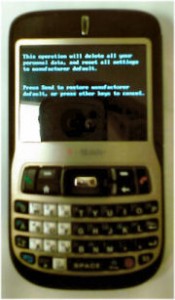
My T-Mobile Dash (HTC 620) couldn’t break out of its endless boot loop. So, despite my dislike of hard resets, I went ahead and reset the Dash. Here’s how you perform a hard reset on one of these things, btw.
- Press the left and right soft keys simultaneously
- While pressing the soft keys, press and hold the On button for a couple of seconds and then release it
- You will see a screen that tells you to press Send to reset the device. You can sort of see a blurry picture of this screen above (sorry ’bout that). The Send button is the green Call button
I just deleted the former partnership with ActiveSync and then re-partnered the Dash with my PC. Everything looks ok so far. The problem might be related to one of the beta apps I tried recently on the unit. But, I’m not assigning blame until I can find more information.
The bad news is that I lost the OneNote Mobile notes after re-partnering. Everything on the PC side was deleted. I think I backed it up a week or so ago. So, I should be able to recover most of my notes though.
The good news is that the phone looks like it is working. I will use my TyTn as my main phone for another day or two until I get a better feel for how the Dash is behaving after its hard reset.
Comments
6 responses to “Hard Reset My T-Mobile Dash”
locked my dash and 4goty my password how do i reset it without calling t-mobile…?
Official link
http://developer.t-mobile.com/loadKbaseEntry.do?solutionId=1133
Works great!
what are the soft keys??
forgot my device unlock code for my dash,anyone know how to reset it without having to call t-mobile.
Hello
I don’t understand which are the left and right soft keys, sorry can you tell me by mail Thanks Jose