Excel Mobile for Windows Mobile Standard Edition (formerly Smartphone – no touch screen) is quite different from the Professional Edition (AKA Pocket PC Phone Edition). In general it has much fewer features than the Pocket PC version. However, it does have a few unique and useful features.
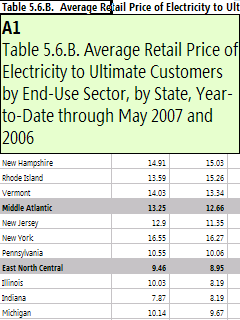
For example, if you navigate to a cell that contains more text (or numbers) than the cell can display, just press the phone’s select button on the navigation rose and it will pop the entire contents of that cell into a zoomed highlighted cell view.